 KEEP
KEEPWhat KEEP does
KEEP has four tabs (Today, Do, Keeps, Me) and a + button for saving. Each feature serves one idea: a save becomes useful only when you know why you kept it and when you can act on it. Here is every part of the app, with what it does and what it does not.
Coming soon to iPhone
Features at a glance
Pick any page below. Each says how the feature works and which data it touches.
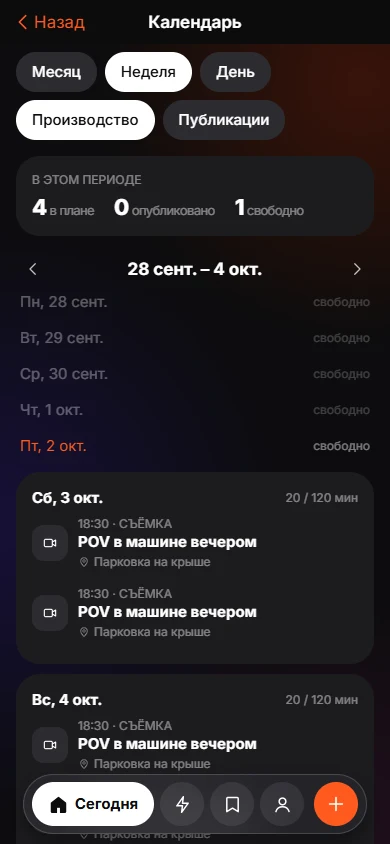 Creator ModeBuild from saves, batch shoots and a Plan, Shoot, Edit, Publish, Review calendar.
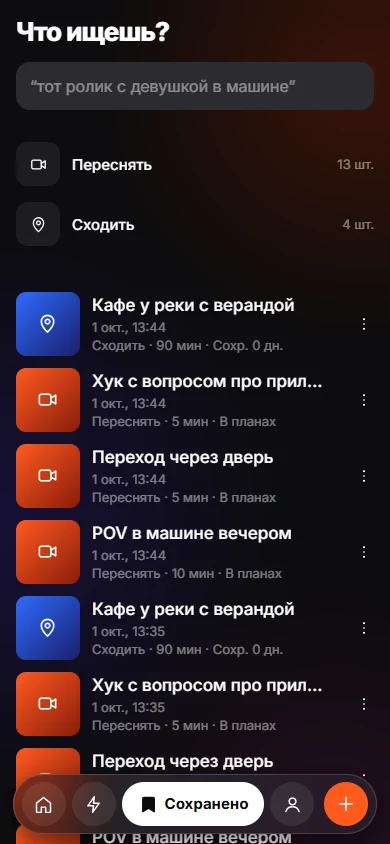 Find a Saved Link by How You Remember ItSearch saved items by memory, with the match reason shown.Save With a ReasonEight intents, one tap. Your reason stays yours; the AI only observes.
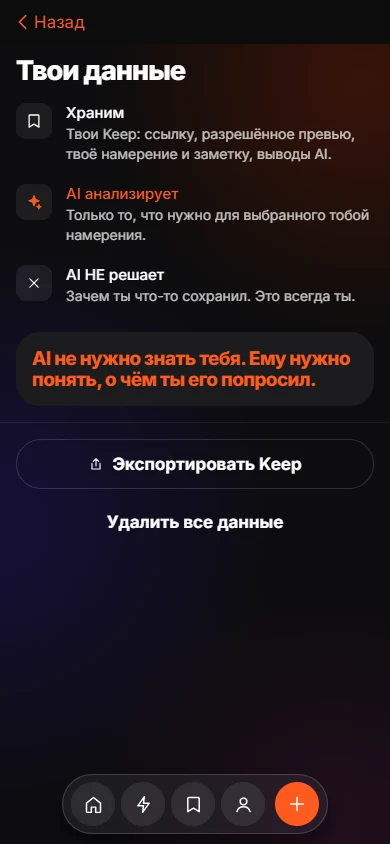 Sort Screenshots on iPhone Into Folders With KEEPPick screenshots, let KEEP read them, confirm one suggested action each.
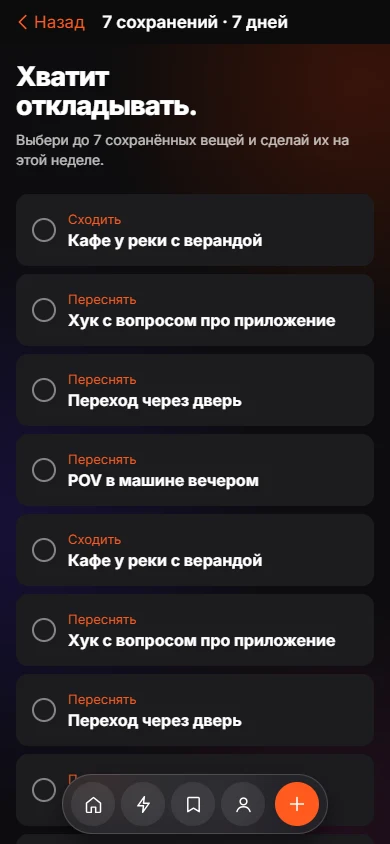 The 7-Day Challenge and Monthly Recap in KEEPPick up to seven saves, do them in a week, see what became real.
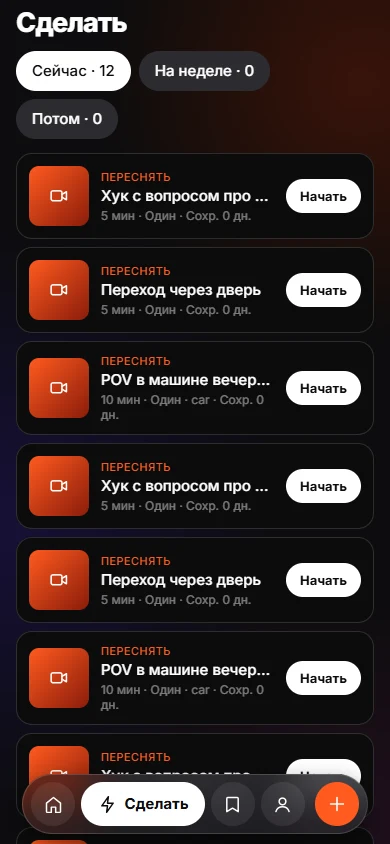 Today and DoToday and Do sort saves into Now, This week and Later, with a reason on every card.