KEEP
KEEPCreator mode for people who film
Creator mode is a switch in Settings for people who save videos to recreate. It builds a video plan from your own saves (hook, shots, edit, call to action), groups shoots by setting and people to reduce moves, and gives you a calendar from plan to review.
Coming soon to iPhone
How do I turn it on?
Open Me, then Settings, and switch on Creator Mode. The Today screen then offers Shoot Today and Build from saves.
What is Build from saves?
Type what you are making, for example a launch video. KEEP assembles parts from items you saved: Hook, Shot, Edit and CTA. Each part has an "Inspired by" link back to the save it came from, so you can see where an idea began.
What is batch shooting?
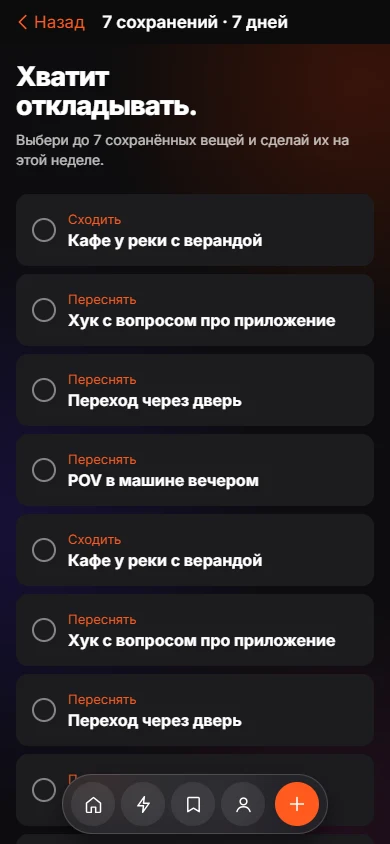
Shoot sessions group your videos by setup, so you change location or people less. A session card shows an estimate of the minutes saved if you film together, and a button to create the session.
How does the calendar work?
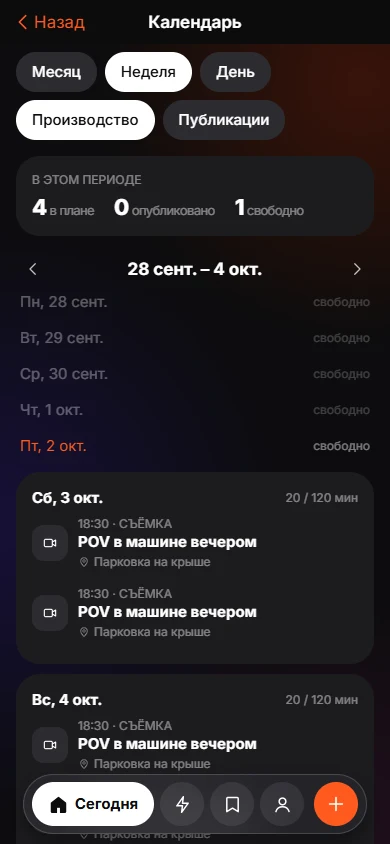
The calendar follows the life of a Keep through Plan, Shoot, Edit, Publish and Review. It has Month, Week and Day views and a Production or Publishing switch. When you miss a date, KEEP asks "Missed it?" and offers Today, Tomorrow, Weekend, Later or Let it go. It suggests moving the edit and publish dates and applies them only if you accept.
Does KEEP download videos?
For a public video link, the server temporarily fetches the video to read speech and cuts and then deletes the file. Only the text analysis stays. See the privacy page for the full text.
Who is it for?
People who save videos in order to recreate them: short-form creators, small brands, or anyone who wants to film their own version of a format. If you only save places and recipes, leave Creator Mode off and the app stays simple.
How does it relate to the normal tabs?
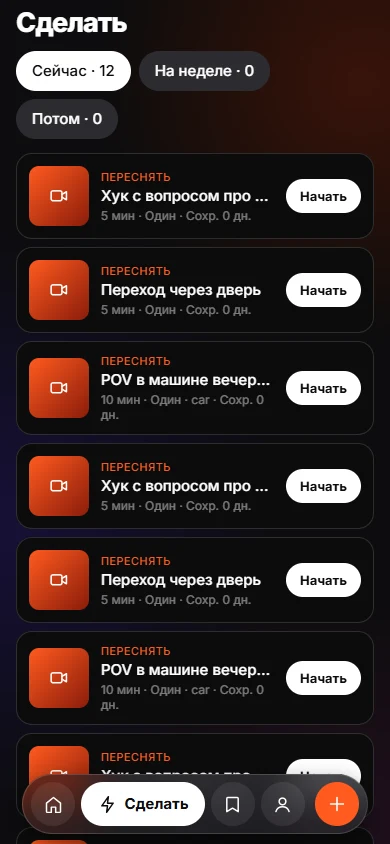
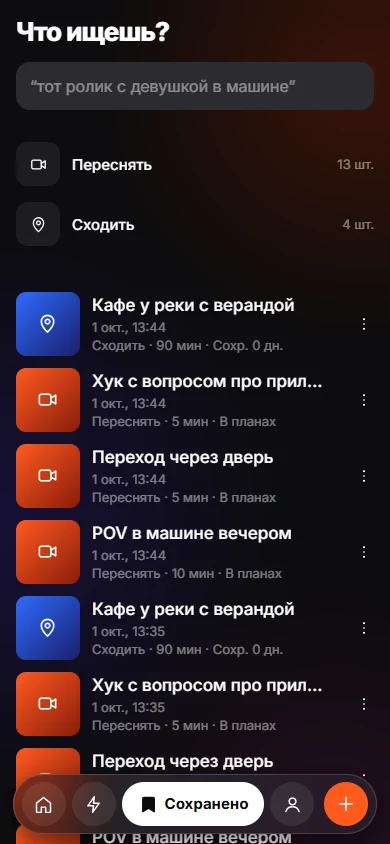
Nothing new to learn. You still save with +, and the Do tab still lists your items. Creator Mode adds the build screen, shoot sessions and the production calendar on top of the same list.
Frequently asked questions
Is Creator mode separate from the normal app?
It is a switch in Settings. The same saves and tabs are used.
Does KEEP move my shoot dates by itself?
No. It suggests a free day or a shift and waits for you to apply or adjust.
Can I record the result of a shoot?
Yes. When you mark an item done, KEEP offers to add a link to your version and a note.
Does KEEP post to social networks?
No. It plans dates and keeps notes; publishing happens in the other apps.