KEEP
KEEPToday and Do: what you can act on now
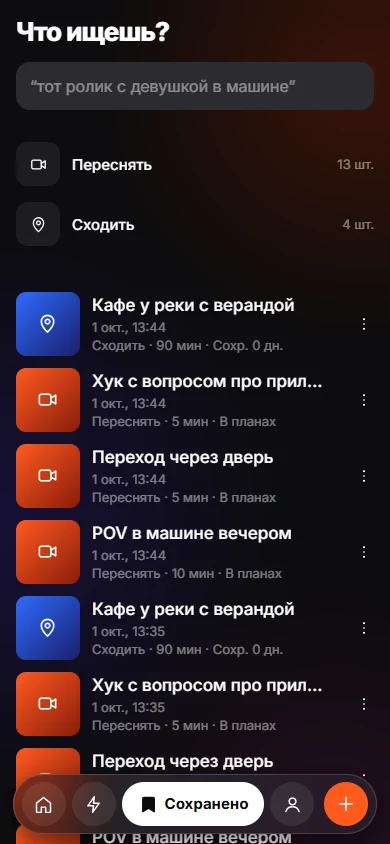
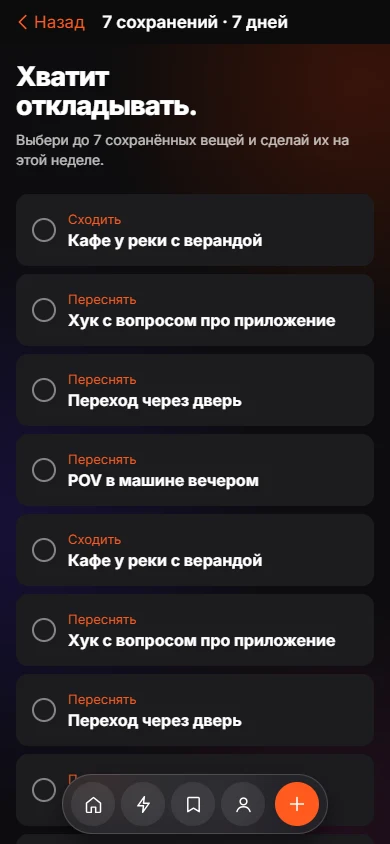
The Today tab shows the saves that fit your moment. The Do tab sorts them into Now, This week and Later. Every card says why it appears, such as "takes about 5 min", "you can do it alone" or "you marked it Do", so the app never feels like it is guessing.
Coming soon to iPhone
What does the Today tab show?
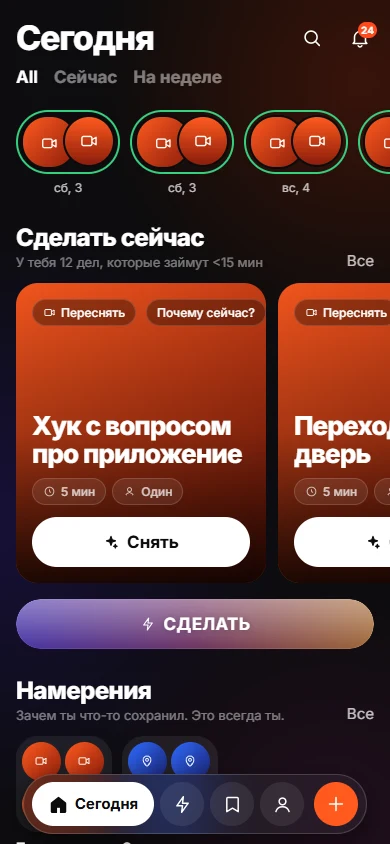
Today leads with the things you can do soonest and a row of recent Keeps. A line under "Do This Now" reports how many items take under 15 minutes. Below that, a section called "What is your situation?" offers shortcuts: I am free, With someone, Surprise me, Shoot now and Build from saves.
How does the Do tab work?
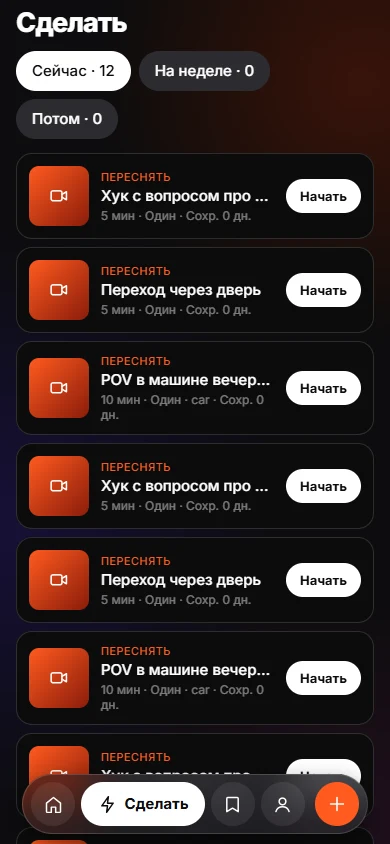
Do lists items under Now, This week and Later. Each card shows minutes, whether you need other people, a place if known and how many days ago you saved it. Tap Start to see the steps.
- Swipe right: done.
- Swipe left: later.
- Long swipe left: drop the item.
Why is this item shown?
Tap "Why now?" on a card. KEEP lists its reasons: takes about N minutes, needs N people or can be done alone, you marked it Do, saved N days ago, place, or planned for this week. The list contains facts about the item and about your own choices.
What does "What is your situation?" do?
Choose how much time you have (5, 15, 30 minutes or an hour and more) or who is with you. KEEP first shows saves you told it to bring back for that situation, then others that fit. "Surprise me" picks one older save and asks you to do it, keep it or let it go.
What happens when I finish something?
Swipe right or tap Done. KEEP says "You actually did it" and offers to add the result, a link to your version or a note. Finished items feed the Me tab and the monthly recap.
How does KEEP stay honest about suggestions?
Because every suggestion shows its reason, you can disagree with it. If you told KEEP to bring something back "with someone", that rule beats the AI ranking. Your own rules come first, and the automatic suggestions fill the gaps.
What if nothing is due?
The Today tab can say "Nothing you need to do. That is a good thing." and offer a way to browse your Keeps. The app is built to be quiet when there is nothing to do, and its notification prompt promises only useful context, never "we miss you".
Frequently asked questions
Does KEEP use my location to suggest things?
No. KEEP does not ask for location. Place is a label you can set yourself, such as Home, Car, Outside, Cafe or Gym.
What does Later do?
It moves the item down the list so it comes back later. Nothing is deleted.
Can I remove everything I saved?
Yes. Settings has a Delete all data option under Your data.
What is the question on the home screen?
"What can you actually do today?" is the prompt KEEP answers with Now items.