 KEEP
KEEPRescue your screenshots in five minutes
KEEP can process screenshots you choose yourself. It reads the text on each image, groups the images into folders such as places or recipes, and offers one suggested action per image. It does not scan your library, and the images you did not pick stay untouched.
Coming soon to iPhone
How does it work?
Open +, then tap Images and screenshots. Choose 10 or 20 images, or pick your own selection. KEEP uploads them, reads the text and shows a grid with what was read and the folder it picked. Tap Done and everything is already filed.
- Tap + and choose Images and screenshots.
- Select the screenshots you want to rescue.
- Review the grid and tap Done.
- Optionally open Sort one by one.
What is "sort one by one"?
Each image gets one suggested button based on its folder: Places suggest Go, Recipes suggest Try and Shopping suggests Get. You tap to confirm, pick another intent, leave it for later in the Inbox, or delete it. The suggestion is a proposal and you decide.
Does KEEP see my whole photo library?
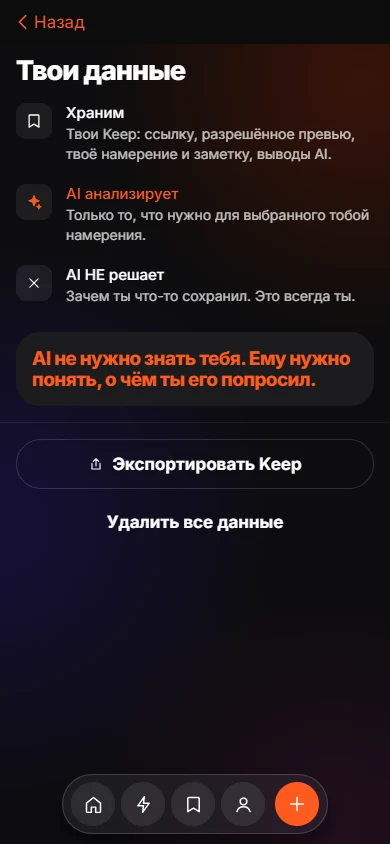
No. KEEP uses the iOS photo picker, so it only gets the images you select. The privacy statement says the app has no access to your whole gallery.
What happens to the images?
Selected screenshots are uploaded to the app server for text recognition. OCR means a program reading characters from an image. KEEP stores the recognized text with the item. Read the privacy page for storage and deletion.
Can I add a moment that is not a link?
Yes. The "Idea or place" option lets you add a short text, a place or a photo. Use it for things like "the place with the great view of the river".
A typical session
You tap Save 20, pick twenty screenshots of restaurants, recipes and a few products, and wait while the grid fills. Each tile shows what was read and a folder. Most need no attention, so you tap Done. Later you open one folder, such as Places, and use Sort one by one to confirm Go on the ones you really plan to visit.
What the folders are
Folders follow the intents: Places lead to Go, Recipes to Try and Shopping to Get. They are proposals based on the text read from the image, and every one can be changed.
Frequently asked questions
Does KEEP delete my screenshots from Photos?
No. KEEP does not remove anything from your photo library. iOS asks for confirmation before any deletion by any app.
Is text recognition done by a third-party AI service?
The app states that screenshot text recognition runs on its own server, with no third-party AI services.
How many screenshots can I add at once?
The picker offers 10 or 20 at a time.
Can I undo?
You can change the folder or intent on each item, or delete the item.
Keep exploring
 Find a Saved Link by How You Remember ItSearch saved items by memory, with the match reason shown.How to Organize Screenshots on iPhone Without Losing ThemDelete in batches, group by purpose and turn the useful ones into actions.KEEP Privacy PolicyWhat KEEP stores, how it is processed, and how to delete it.