 KEEP
KEEP7 saves, 7 days
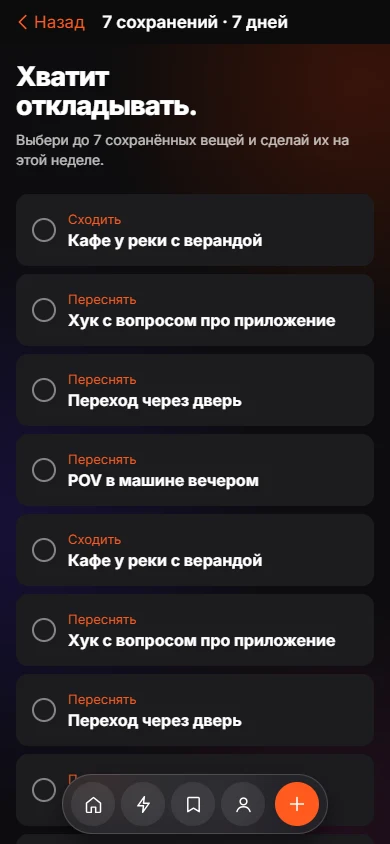
The challenge is one rule: choose up to seven things you saved and do them this week. KEEP shows your day count and a done total, and the Me tab turns finished items into a monthly recap that celebrates what you did instead of how much you kept.
Coming soon to iPhone
How does the challenge work?
Open the challenge, tick up to seven saved items and tap Start. Items saved a minute ago count as well, so you do not need an old backlog.
- Open the challenge from Today.
- Select up to seven saved items.
- Tap Start and work through them during the week.
What does progress look like?
You see "Day N of 7" and a done count such as 3 / 7. Finish all of them and the screen reads "I stopped saving my life for later." You can share progress as text with the tag #SavedLifeChallenge, or end the challenge any time.
What is on the Me tab?
Me shows four numbers: Kept, Committed, Done and a life conversion percentage, which is how much of what you kept became something real. A comparison with the last month appears when there is data. It also shows "Saved you vs Done you" by intent.
What is My Month?
My Month is a short set of vertical cards in 9:16 format. The hero number is how many things became real, with the saved total second, so the card does not reward hoarding. You can share the card.
Is any of this a score of me?
KEEP does not build an "AI personality" for the recap. It contains only what you chose and finished.
How to choose your seven
Pick items that can be finished in a week: small, specific and not dependent on others. Mix quick wins with one bigger item. A good seven might include two 10-minute items, three evening items and two weekend items. If an item needs special conditions, leave it out.
What the challenge is for
It is a short test of the whole idea. At the end of the week you know how many saves you actually did and which intents turn into action for you. The result is a plain count, not a grade.
Frequently asked questions
Do I need to import old saves for the challenge?
No. Newly added saves qualify too.
Can I pick fewer than seven?
Yes. You can start with as few as one item.
Is the challenge free?
Yes. Every feature is free in the current version.
What gets shared?
A text message with your count and a hashtag. You decide whether to send it.
Keep exploring
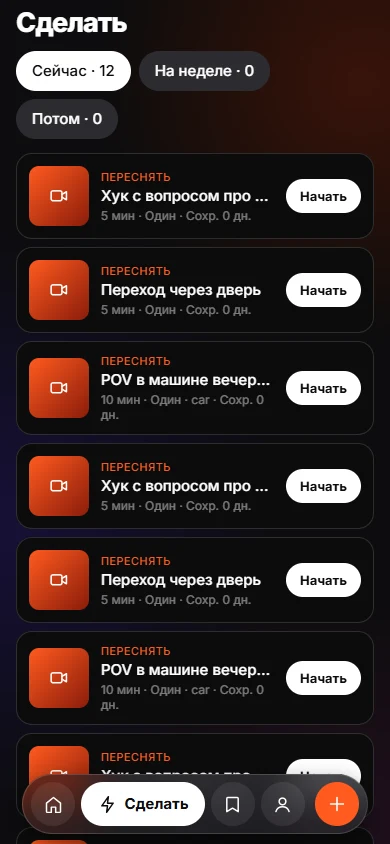 Today and DoToday and Do sort saves into Now, This week and Later, with a reason on every card.
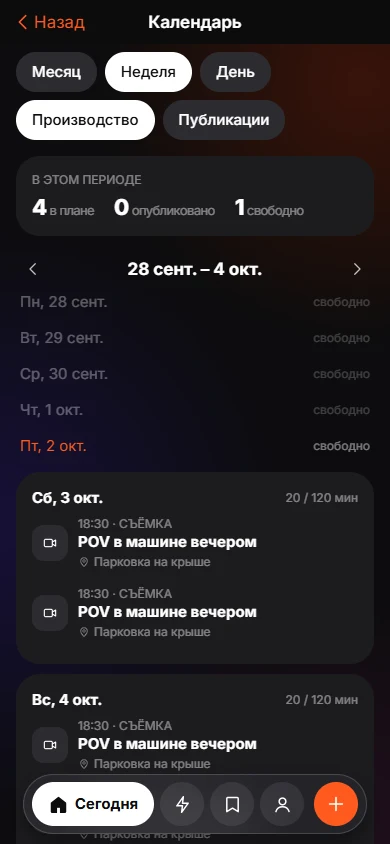 Creator ModeBuild from saves, batch shoots and a Plan, Shoot, Edit, Publish, Review calendar.
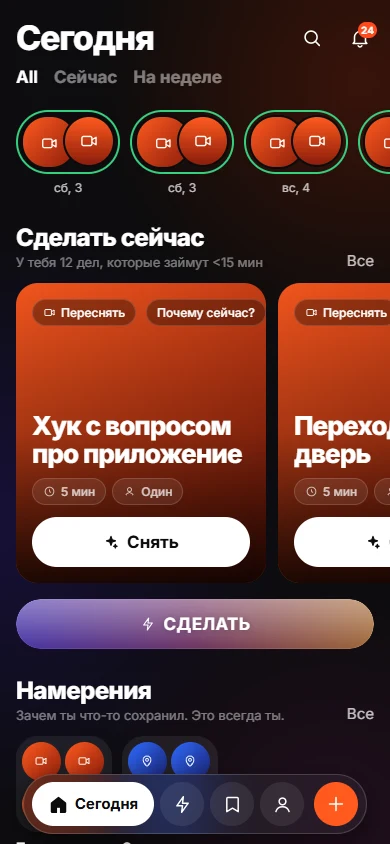 How to Turn Saved Links Into a To-Do List You UseGive each link a verb, minutes and a situation, then work from a short list.