 KEEP
KEEPSave with a reason, in one tap
When you save something in KEEP you choose one of eight intents: Recreate, Go, Try, Get, Use, Learn, Send or Remember. The choice takes one tap and tells KEEP what to help with later. The AI can reorder the buttons, but it never selects one for you.
Coming soon to iPhone
What are the eight intents?
Each intent is a different kind of follow-up. Six sit on the main screen and two (Learn and Send) are under "More".
| Intent | Button text | Typical save |
|---|---|---|
| Recreate | Make it | A video you want to film your own version of |
| Go | Go there | A cafe, a trail, a shop |
| Try | Try it | A recipe, a workout, a tool |
| Get | Get it | Shoes, a book, a gadget |
| Use | Use it | A tip or idea to apply |
| Learn | Learn it | Something to understand, remember or apply |
| Send | Send it | A link meant for a friend |
| Remember | Keep it | Something to keep for reference |
How do I save something?
Copy a link or write a note, open KEEP and tap +. KEEP shows a preview and, if it finds anything, a line starting with "AI found" such as a place or the number of people. Then tap an intent.
- Tap + and paste a link or type what you saw.
- Check the preview. Change Who and Where if the AI guessed wrong.
- Tap one intent. The item is saved.
What if I do not know why yet?
Tap Just Keep. The item goes to your Inbox with no decisions needed. Later, one tap on the Inbox card assigns a reason, or you can let the item go.
Who chooses the intent?
You. KEEP keeps your reason (labeled "You said") separate from what the AI found. If you correct the AI on people or place, your choice replaces its guess. This is the product rule that the privacy page repeats.
What happens after I choose?
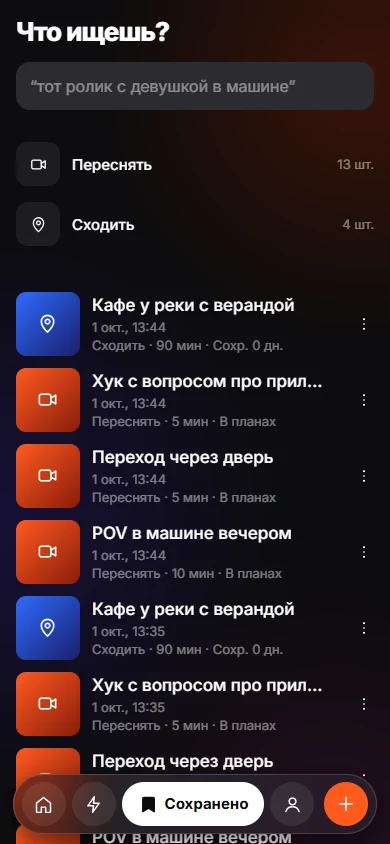
The item appears in Today and Do with a plan, and you can set a date or ask for a reminder. When you finish, KEEP asks if you want to add the result, such as a link to your version or a short note.
Why only eight intents?
A long list of categories slows saving down. Eight verbs cover most reasons people keep something, and six sit on the main screen so the choice stays quick. When none fits, Just Keep sends the item to the Inbox rather than forcing a wrong label.
What does KEEP do with the intent later?
The intent decides which follow-up you see. Get asks what exactly you want. Learn asks whether you want to understand, remember or apply. Use asks where. Recreate and Go lead to a plan with steps. This is how a saved link grows into something you can start. See Today and Do.
Frequently asked questions
Can one save have two reasons?
Yes. The detail screen has an "another why" option for adding a second intent.
Can I change the intent later?
Yes. Open the item and tap Change.
Does KEEP read the link before I choose?
KEEP fetches a preview so you can see what you are saving. Analysis of the content is used for suggestions, and you decide the intent.
What is the Inbox?
The Inbox holds items saved with Just Keep. Each can get a reason with one tap or be dropped.
Keep exploring
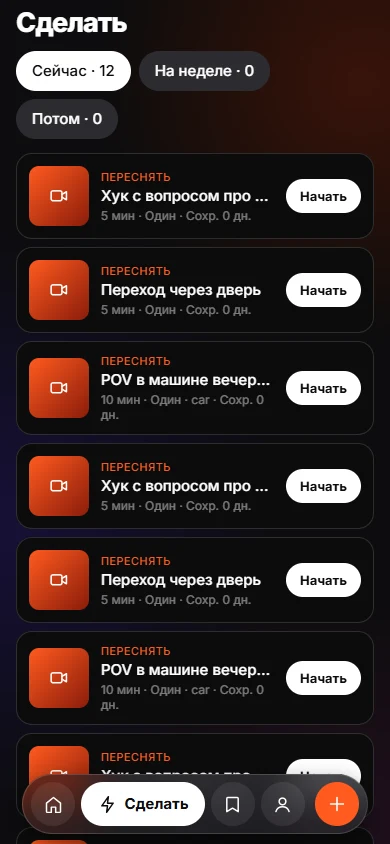 Today and DoToday and Do sort saves into Now, This week and Later, with a reason on every card.Find a Saved Link by How You Remember ItSearch saved items by memory, with the match reason shown.
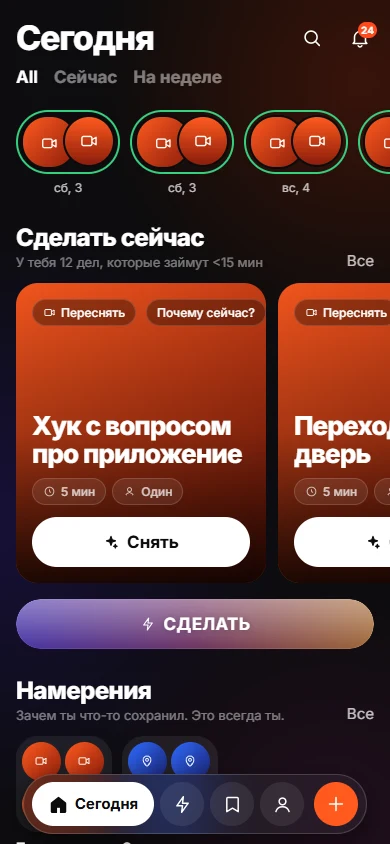 How to Turn Saved Links Into a To-Do List You UseGive each link a verb, minutes and a situation, then work from a short list.