 KEEP
KEEPRead-it-later apps: what they do and miss
A read-it-later app stores web pages so you can read them later, often in a clean layout and offline. It solves one job well: reading. It does not help when the saved item is a place to visit, a video to recreate or a thing to buy. Those need a reason and a next step.
Coming soon to iPhone
What is a read-it-later app?
It is a tool that saves a page or article for later, strips the clutter and keeps it available when you are ready. Instapaper and Pocket are well-known examples, described on Instapaper and Pocket) on Wikipedia. The idea belongs to the wider family of social bookmarking tools.
How is it different from bookmarks?
A browser bookmark points to a page. A read-it-later app keeps a readable copy and often a queue. The queue is the useful part, because it asks "what is next to read".
Where do they fall short?
They assume every save is something to read. In practice people also save places, recipes, products, videos and ideas. For those, "read" is the wrong action, and the queue becomes another pile.
| You saved | Right next step | Read-it-later queue fits? |
|---|---|---|
| An article | Read it | Yes |
| A cafe on a map post | Go there | No |
| A recipe reel | Try it | No |
| A video to remake | Recreate it | No |
| A gift idea | Get it | No |
What does KEEP do differently?
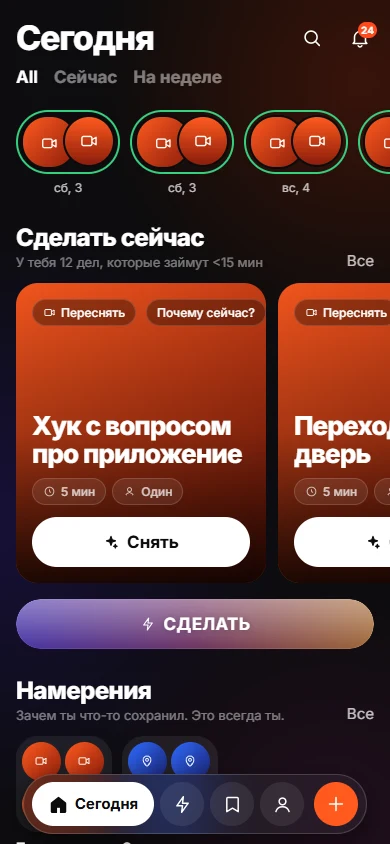
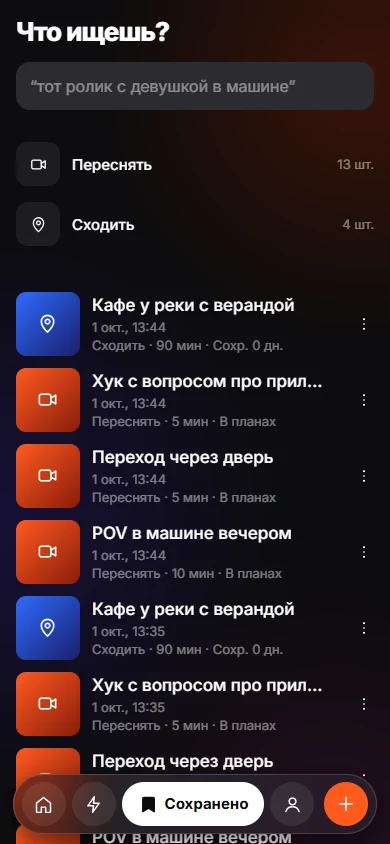
KEEP asks for a reason at the moment of saving: Recreate, Go, Try, Get, Use, Learn, Send or Remember. "Learn" covers articles, with options to understand, remember or apply. The Today and Do tabs then rank items by what you can do now. Today and Do has the detail.
Which should you use?
If you save mostly long articles, a read-it-later app is simple and fits. If your saves are mixed, use a tool that records intent. You can also use both: keep articles in a reader and everything else in KEEP.
Do any of these use AI?
Some tools add summaries or tagging. In KEEP, the AI observes and ranks buttons but does not choose your intent. This keeps the list yours.
How to choose in five questions
Answer these before you pick a tool.
- What do I save most: articles, places, videos, products or ideas?
- Do I need offline reading?
- Do I want to export my data if I leave?
- Does the tool need an account, and where is the data stored?
- Will I open it weekly? If the interface annoys you, you will not.
A note on durability
Services in this category change owners, features and policies over time. Wikipedia pages on Instapaper and Pocket) give the history. Whatever you choose, make sure you can export your list as a file, so that you are never locked in.
Why a reason beats a longer queue
A queue ordered by date is a stack: the newest item sits on top and the oldest is buried. A list organized by reason and situation tells you which item to open now. That difference decides whether a save app helps you act or just stores things.
Frequently asked questions
What is a good read-it-later app?
Instapaper and Pocket are long-standing examples. Choose by platform support, offline reading and export options, and check their current status before you commit.
Is a read-it-later app the same as a bookmark manager?
No. A bookmark manager stores links. A read-it-later app stores a readable copy and a reading queue.
Can KEEP replace a reader app?
KEEP is not a reader. It records why you saved a link and when you can act. For long reading, a reader app is still the better tool.
Do I need an account for KEEP?
No. It uses a random device ID.
Keep exploring
How to Turn Saved Links Into a To-Do List You UseGive each link a verb, minutes and a situation, then work from a short list.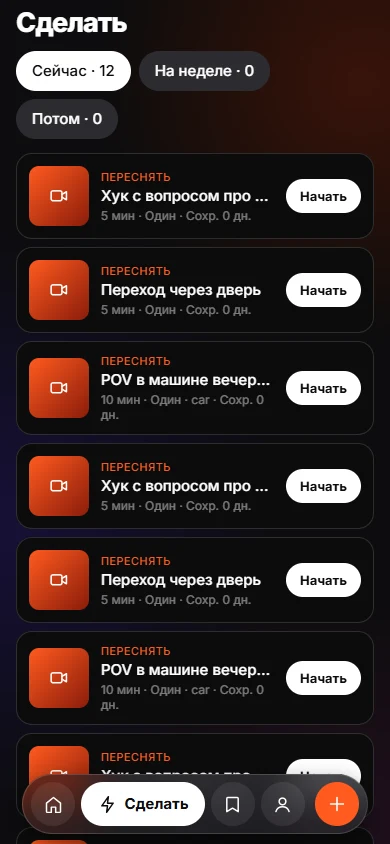 Why We Save Things and Never Do ThemSaving feels like progress. Without a reason and a trigger, nothing brings the item back.
 Save With a ReasonEight intents, one tap. Your reason stays yours; the AI only observes.